Trash Day Board
Bin day widget & reminders: see today’s and tomorrow’s trash at a glance.
Screenshots
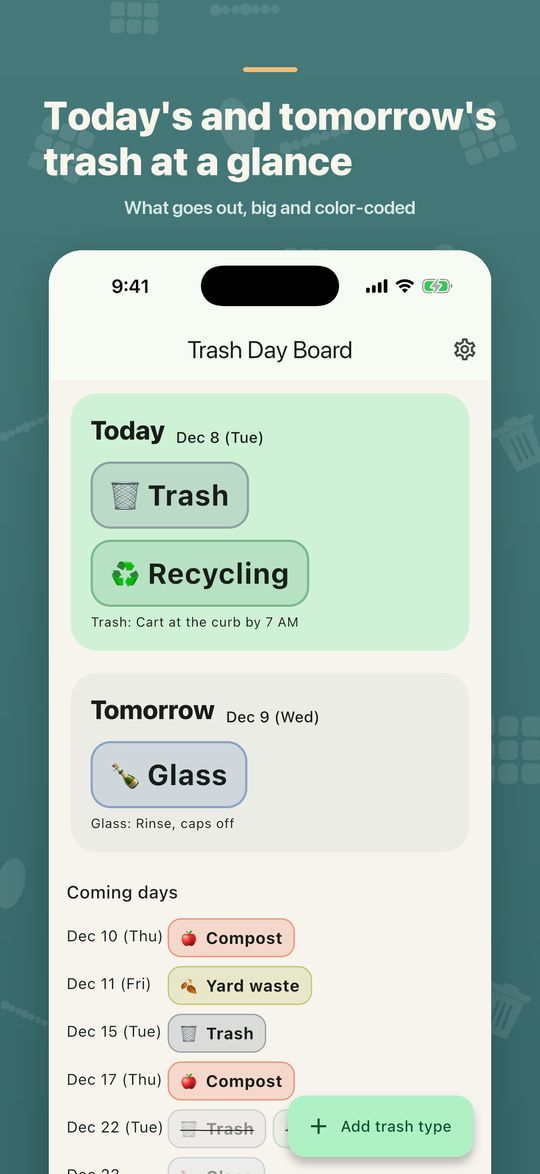
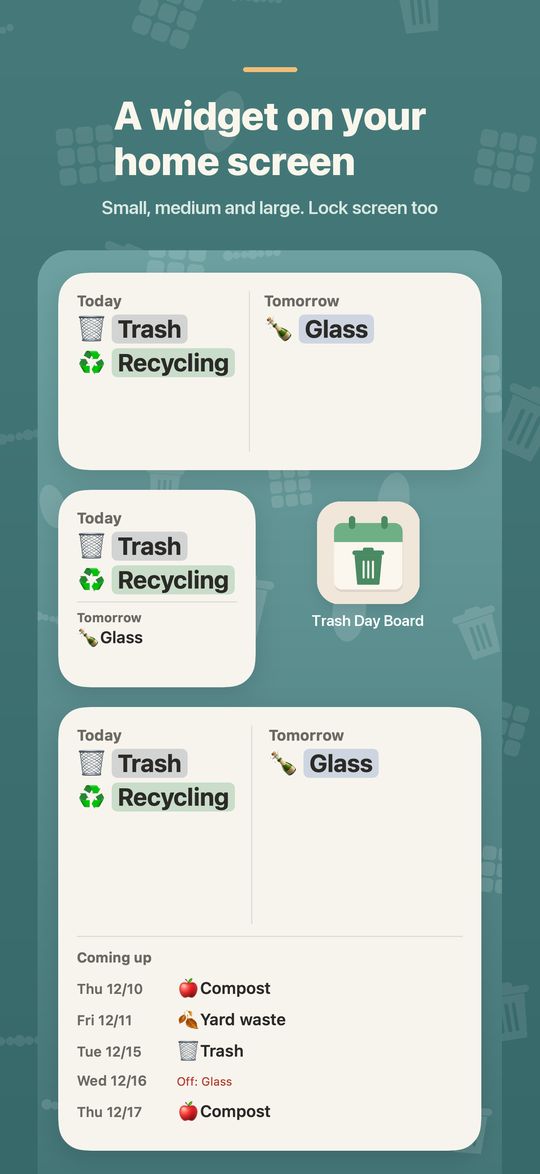
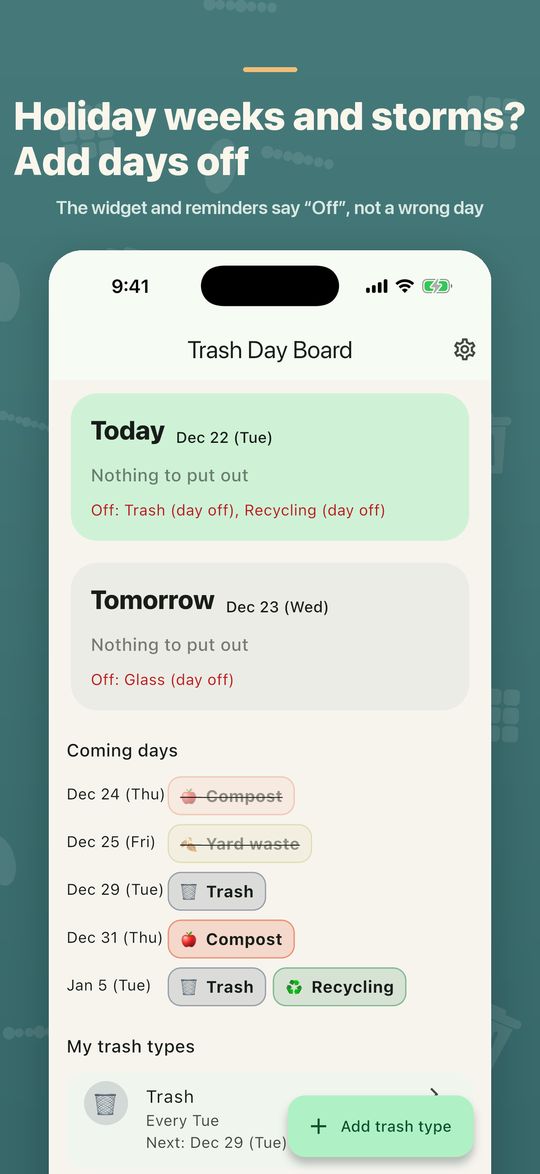
See what goes out today and tomorrow, right on your home screen.
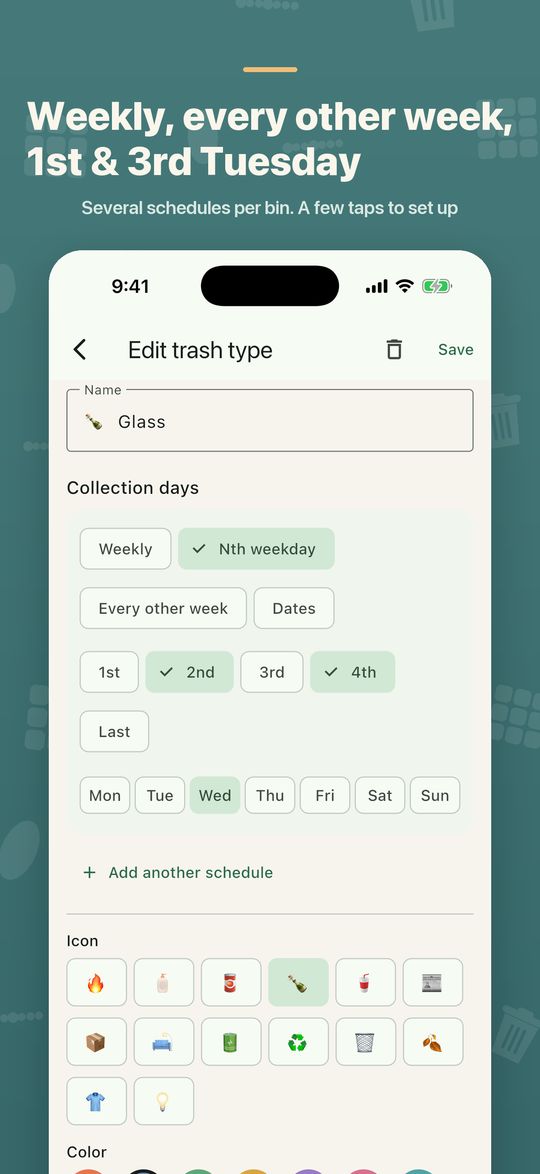
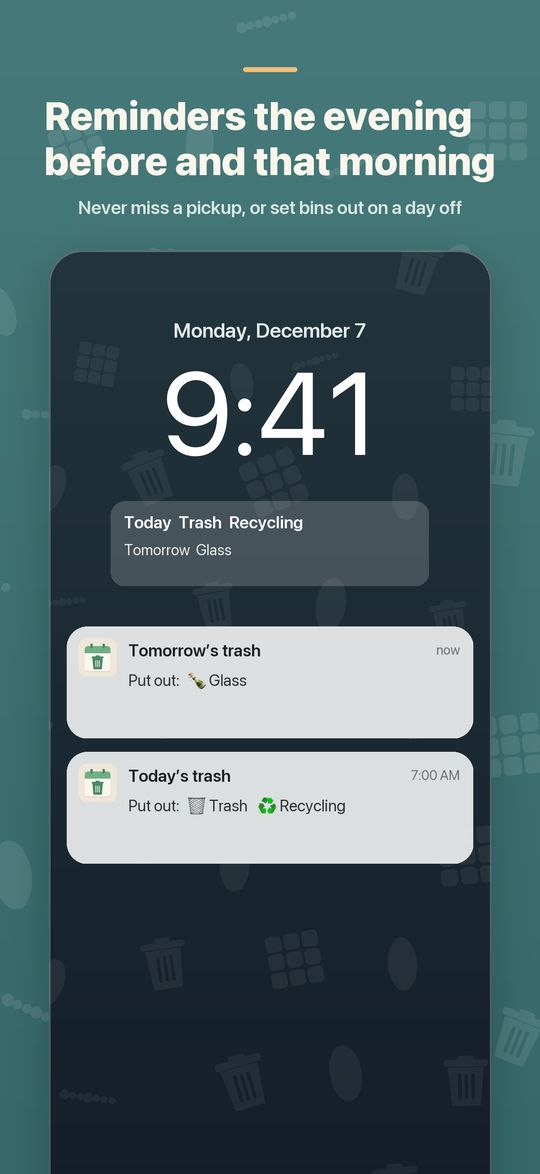
Add your own pickup days — weekly, every other week, “1st & 3rd Tuesday”, or specific dates — and get a reminder the evening before and the morning of.
FAST TO SET UP
- Tap a bin type (Trash, Recycling, Food waste, Yard waste, Glass, Paper…), tap the days, done — about 3 taps per type.
- Weekly, every other week, 1st/3rd/last weekday of the month, or pick dates. Add several schedules to one bin type.
- Start from a sample schedule and edit it to match your area.
A WIDGET YOU CAN READ AT A GLANCE
- Today big, tomorrow right under it. Each bin type has its own color and icon.
- 2×2: today plus a tomorrow summary. 4×2: today and tomorrow side by side. 4×4: today, tomorrow and the next five pickup days.
- Clear in both light and dark mode.
- Keeps showing the right days even if you don’t open the app.
HOLIDAYS AND BREAKS
- Add days off for holiday weeks or storms, and the widget and reminders show “No collection” instead of a wrong day. A New Year break can be switched on per bin type.
- Japan: Japanese public holidays are built in, with a per-bin “no collection on holidays” option.
BY COUNTRY
- The starter bin types follow your device’s country (Trash, Recycling, Food waste, Yard waste… with local wording for the UK, Australia, Germany, France and Spain). The app is available in 14 languages.
PRIVATE
- No account, no location access. Your schedule stays on your device. Back up or move to a new phone with a JSON file.
Note: you enter your pickup days yourself, using your city’s schedule — the app doesn’t look up your address or import municipal calendars.
Free to use, with ads shown only on the settings screen.